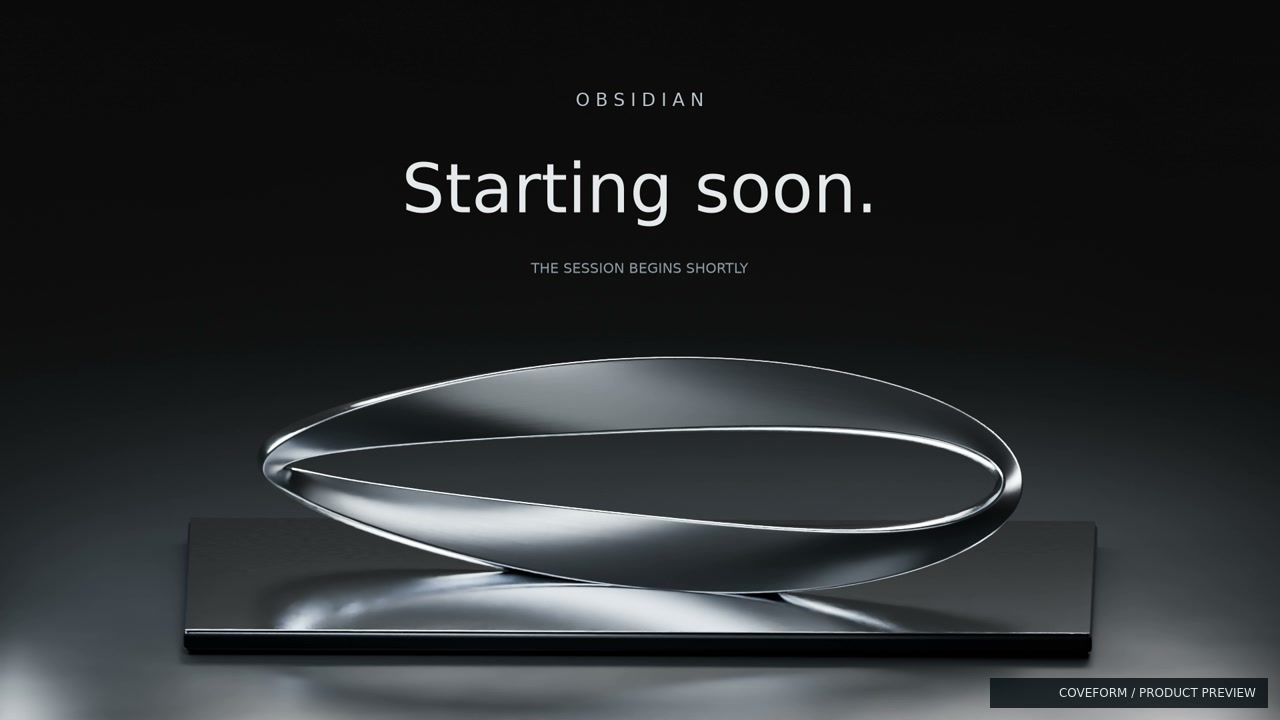
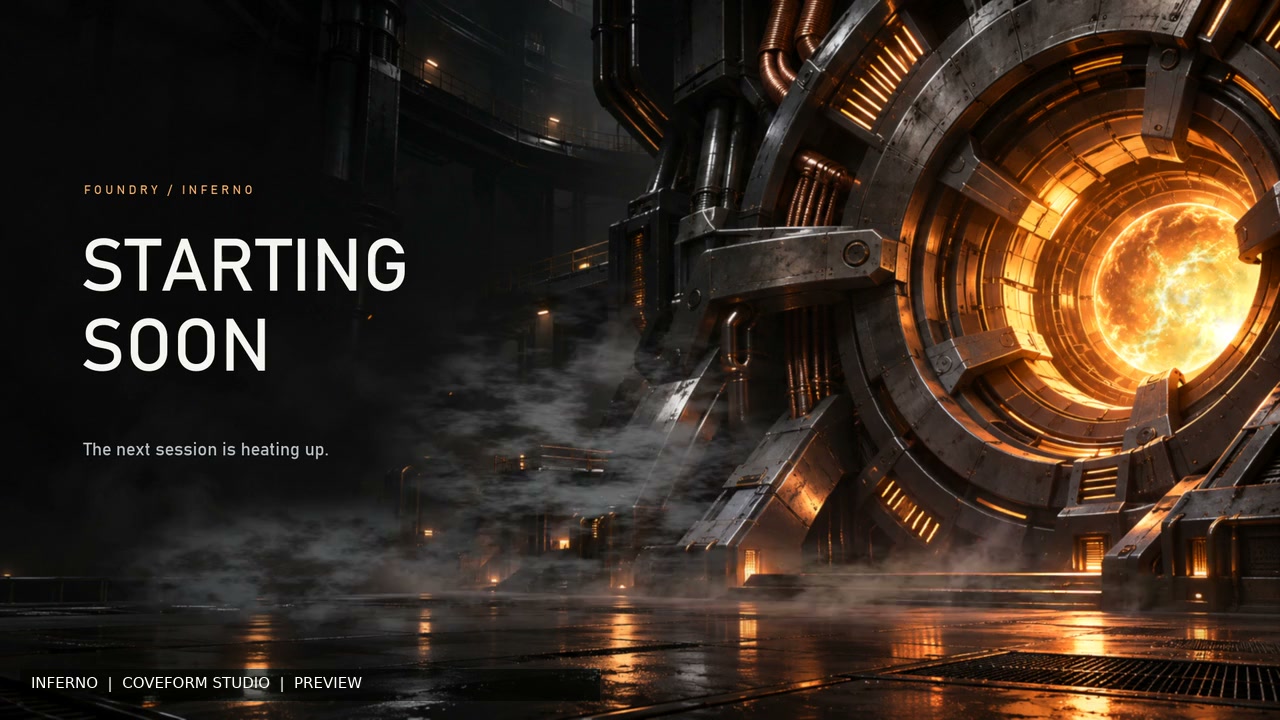
Intermission scenes
Three 1920 × 1080 animated intermission scenes: Starting Soon, Be Right Back and Stream Ending
 COVEFORMSTUDIOFree sample
Sci-fi / Neon / Dark
Enter another frequency.
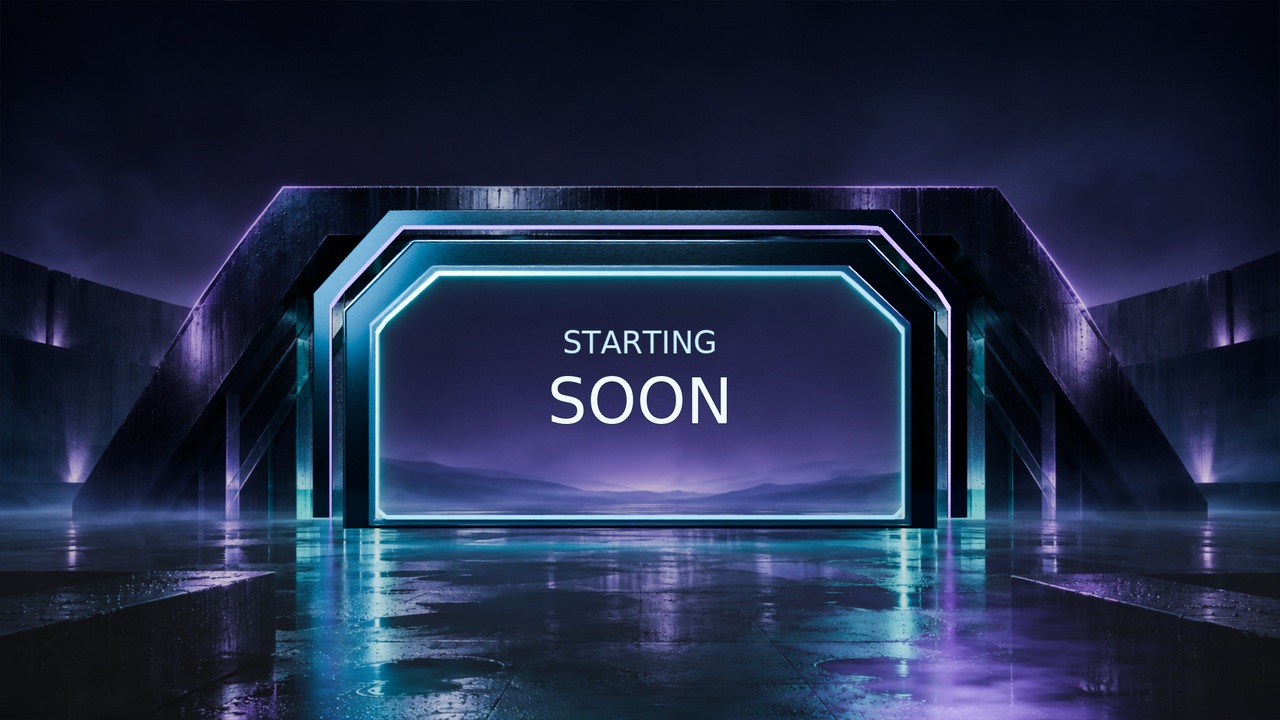
Camera footage and chat shown in demonstrations are examples and are not included in the customer download. All media is silent.
Open full-size previewEVERY PIECE, CONNECTED
One palette. A coordinated set of designs.
Finished files that work together.
Three 1920 × 1080 animated intermission scenes: Starting Soon, Be Right Back and Stream Ending
Eight-second scene loops at 30 fps, with PNG alternatives
Animated transparent Just Chatting layout and webcam frame, plus gameplay overlay and 16:9 / 4:3 webcam PNGs
Five animated alert cards, six information panels and a two-second transition
Offline nameplate and panel-label editor, setup instructions and customer licence
One curated palette, with coordinated artwork across the pack
MAKE THE SIGNAL YOURS
Personalize separate nameplate and panel-label PNGs in the included offline editor. Scene text and artwork are supplied as finished rendered media.
The purchased editor opens from the extracted ZIP in your browser. It uses bundled artwork and fonts, works offline, and exports without a design subscription.
NEON RIFT Prismatic palette
NAMEPLATE PREVIEW
PANEL PREVIEW
Loading the preview artwork…
Reduced-size, watermarked previews. Full-resolution PNG export is available in the offline editor included with your purchase. Your text stays in this browser.
READY FOR YOUR MEDIA SOURCES
Local playback, transparency and transition cuts tested in OBS Studio 32.0.2 on Windows. Manual media-source setup; live alert triggers are configured separately.
Your licence allows ongoing use of the files you download. Future updates, new integrations and indefinite download hosting are not promised.
Read the customer licenceManual media setup. No one-click scene installer, live widgets or platform account connections are included.
ANOTHER KIND OF ATMOSPHERE